
Your inbox and calendar, now connected to Cova
Connect Outlook or Gmail and your calendar to Cova. Manage your schedule, keep client correspondence on file and work together in shared inboxes. Available on Pro plans and above.
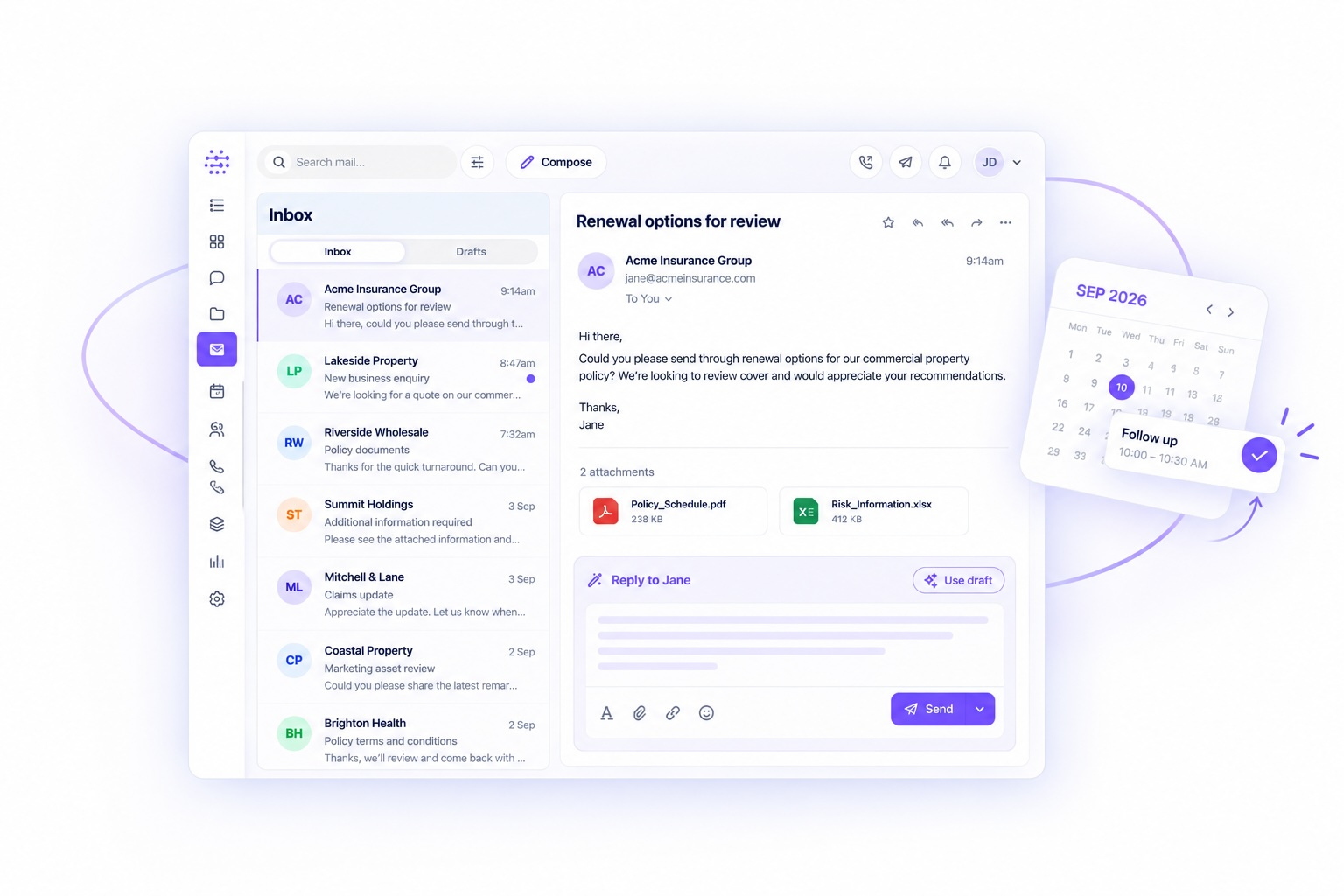
A client’s latest instructions are in an email. Your next meeting is in the calendar. The rest of the picture sits in the client file. Before you can move the work forward, you have to bring it all together.
Cova now supports Outlook and Gmail integration, including calendar, on Pro plans and above. You can work with your email and calendar inside Cova, keep correspondence with your client files and bring your team into shared inboxes.
It also gives Cova something valuable: more context about the work you are asking it to help with. The latest email can explain what a client needs. Your calendar shows what is coming up. A conversation saved to the client file helps you pick up where you left off.
📆 See what your day or week has in store. Ask Cova what is on your calendar, get it to set up invitations, reschedule meetings and help organise your day. You can go from “What have I got on this week?” to arranging the next conversation, without leaving the workspace where you are already getting things done.
📨 Keep client correspondence with the client file. Tag emails and save them directly into the Cova CRM and client files, giving you an immutable, compliance-friendly record of each client’s correspondence. When you need to check an instruction, prepare for a renewal or bring a colleague up to speed, the conversation is there with the client record.
👩💻 Get more of your time back. Simply ask Cova which emails are most important to reply to, have it draft responses for you to review, or search across your inbox for a message, attachment or file. Once you have what you need, you can email directly from Cova. For teams using Cova Agent, you can also queue up multiple messages in draft and work through them when you are ready.
You might ask: “Prepare draft follow-ups to these three clients asking for the outstanding renewal information. Leave them in draft for me to review.” Check the recipients, confirm the details, adjust the wording and send when you are ready.
🛟 Bring your team into shared inboxes. If you have a support, renewals, claims or other shared inbox, you can add it to your Cova account and share it with the team members who need access. That gives the people handling those enquiries access to the same correspondence and context, helping them work together on the conversations that matter.
🔒 Safety and security, built in. Connecting your inbox brings valuable context into Cova, and protecting that information matters. Cova combines encryption in transit and at rest, scoped access permissions and regional hosting arrangements with an AI management system certified to ISO/IEC 42001. Human oversight is built into workflows, so your team can review AI-generated drafts and stay responsible for what is sent. Explore our Trust Centre for details on our controls and independent assurance.
The value goes beyond having another place to read email. Bringing conversations, calendar activity and client records into the same workspace gives Cova more relevant information to work with. There is less copying between windows and less time explaining the background before you can ask for help.
Start with the email and calendar you already use, then bring in the CRM, Agent and other Cova tools as they fit your business. Outlook and Gmail integration, including calendar, is available on Cova Pro plans and above.
Explore Email & Calendar or compare Cova plans. For help getting started, contact team@cova.ai.